How can Mango help in the world of transportation? Let's take a look.
Orders in the transport world
Let's look at the options when placing orders within transportation:
A) Custom transport order:
- - An order that you carry out with your own vehicle.
- - In Mango, you enter it in the "Orders Received" section.
- - For example, if you accept an order from Mrkvička, s.r.o., in the orders received, you set Mrkvička, s.r.o. as the ordering party and your company as the carrier.
- - Then you go to transportation planning, where you select your company as the carrier and plan the transportation.
B) Forwarding transport order:
- - You create an "Order Released" for a shipping partner, based on the order received from your customer.
- - In this case, the transportation is carried out by your shipping partner, not your company.
- - When planning a shipment, you set a shipping partner as the carrier.
C) Pickup/delivery:
- - A type of order that can include multiple orders from different companies.
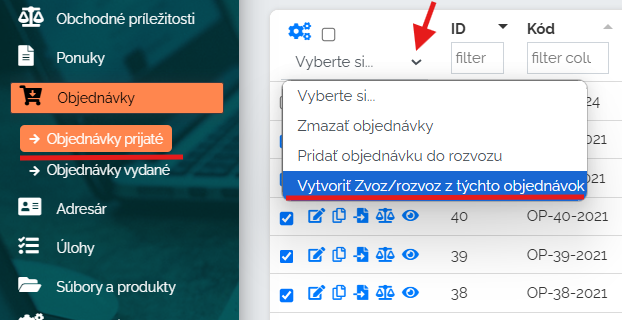
- - Mark the orders received that you want to pick up/deliver and press the "Create pick up/delivery" button.
- - Mango will combine these orders into one pickup or delivery shipment, where you plan the locations, sequence, and routes.
- - As with the previous types of transport, you can carry out the collection/delivery with your own vehicle or outsource it to a forwarding partner.
Order retrieval using artificial intelligence
In practice, the carrier always receives orders from its customers in any form, for example, a PDF file, an image, etc. It is time-consuming to transcribe all this data and upload it to the system. Mango came up with an innovative solution and that is to use the help of artificial intelligence. The automated order processing module can load data directly from PDF documents, images and text files. This method clearly saves time and eliminates human error. For more information about how it works and what is behind this module, please click on the link below.
Transportation planning
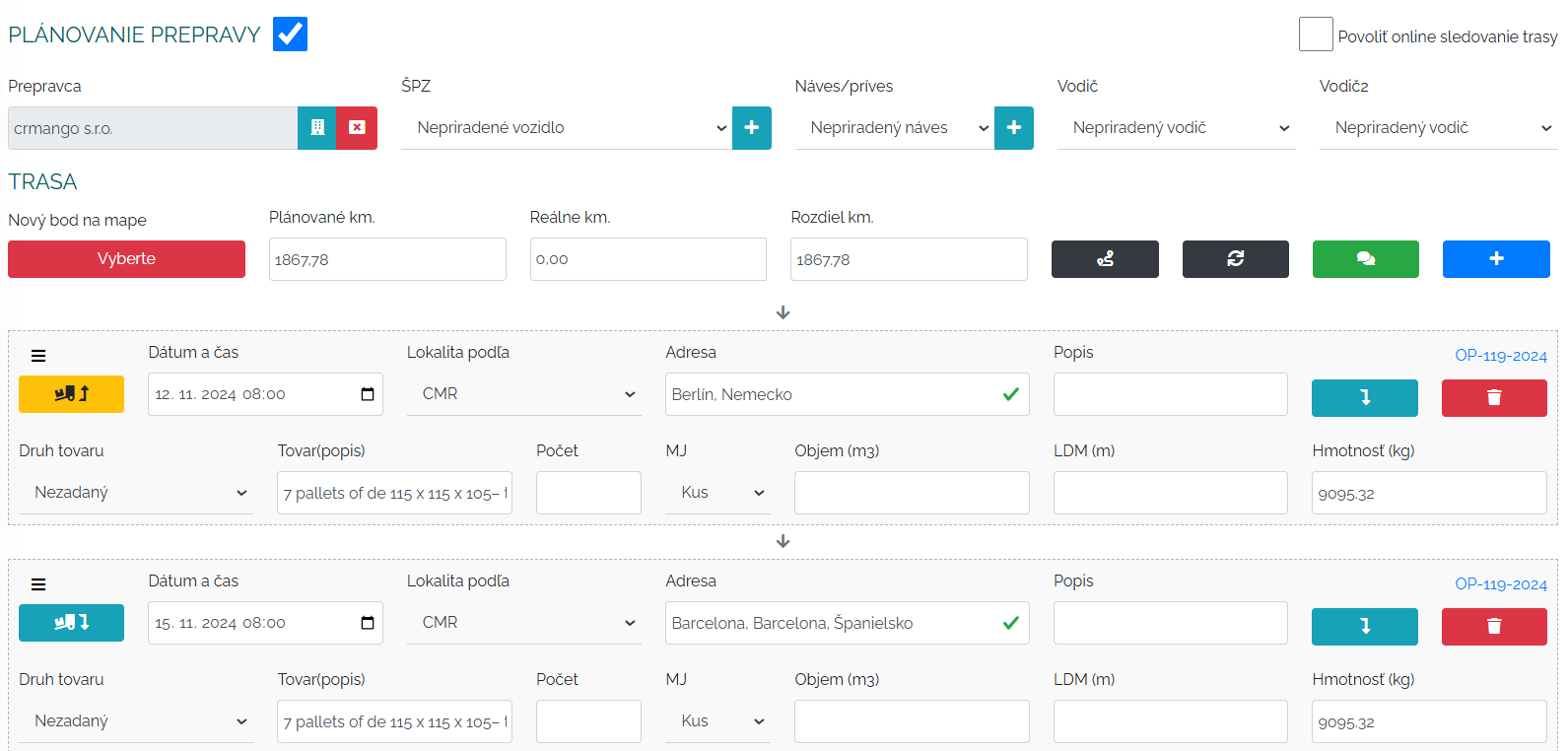
The basis of the transport module is transport planning. We start from the order, or orders, whose collection/delivery we need to plan. When planning transport, we choose a company that will transport our order, then we specify the vehicle, driver and then the route points. When choosing a company that will transport the cargo, we have two options. First, I can order the cargo to be delivered by my own car or secondly, I can order this order to a forwarding company.
If the company uses GPS Monitoring - Webdispatching, the list of vehicles, drivers, and trailers will be synchronized automatically after connecting the Mango system and Webdispatching.
After entering points in the transport planning, Mango will calculate the route distance and other costs associated with transport, such as tolls, driver's wages, etc.
Within the planner, you always have a starting point, i.e. the place from where your vehicle will start and from where it will go for its loading. This point can also be filled in automatically according to the last order for the given vehicle.
You can of course also open the planned route with all the waypoints on the map, where you can further edit the route. What is important is that with this map you can also see the costs of transport - costs for the vehicle, driver and planned toll. Based on this, you can decide whether to plan the transport through another country with lower toll fees, etc. You can optimize the route in such a way that it is as advantageous as possible for you.
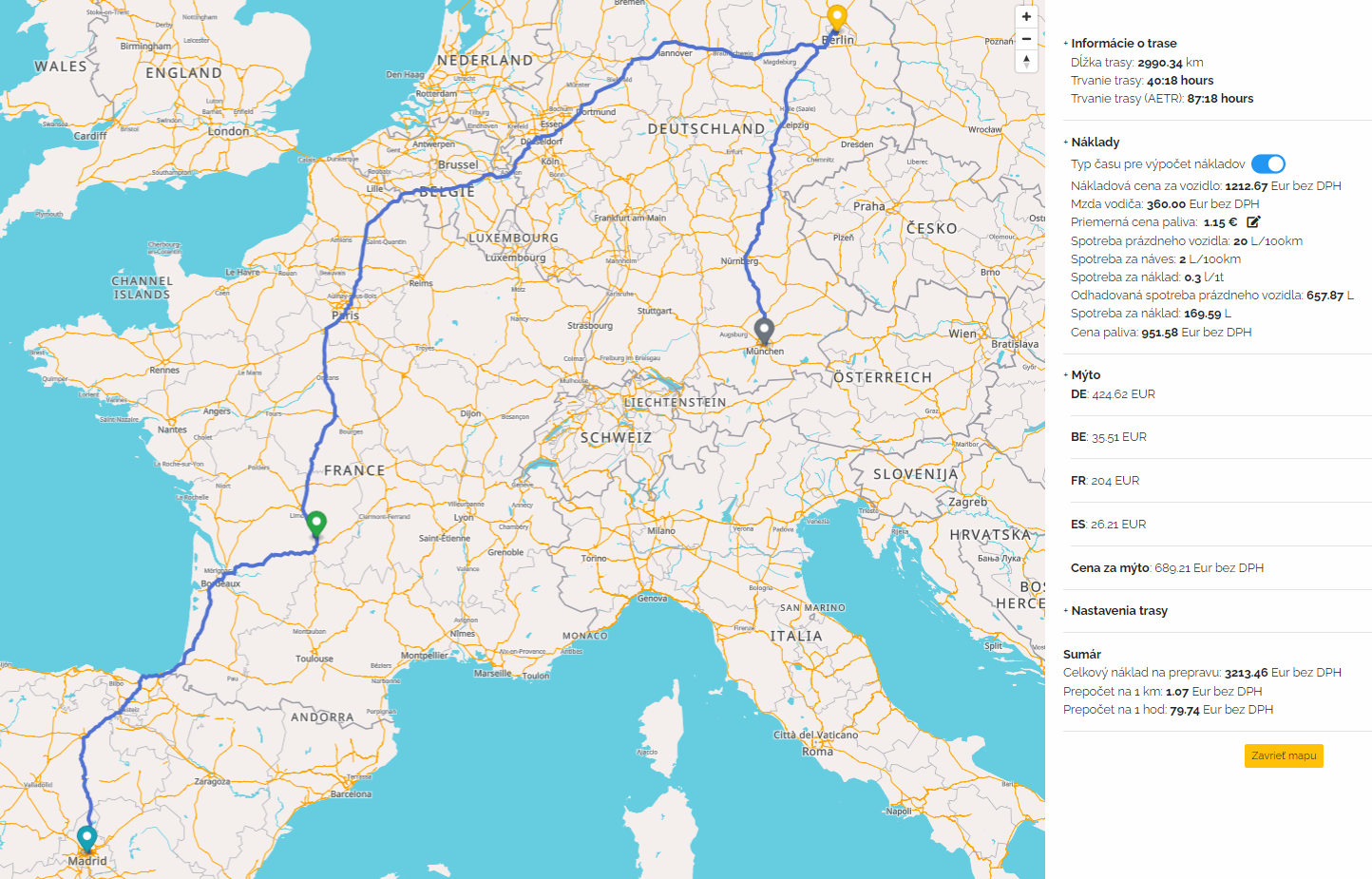
These costs are applied to your financial evaluation of the transport, where they are compared to the price for the transport and Mango calculates the profit from the given transport. This way you can easily check whether the transport is paying off and profitable for you and avoid those transports that are not financially interesting for you.

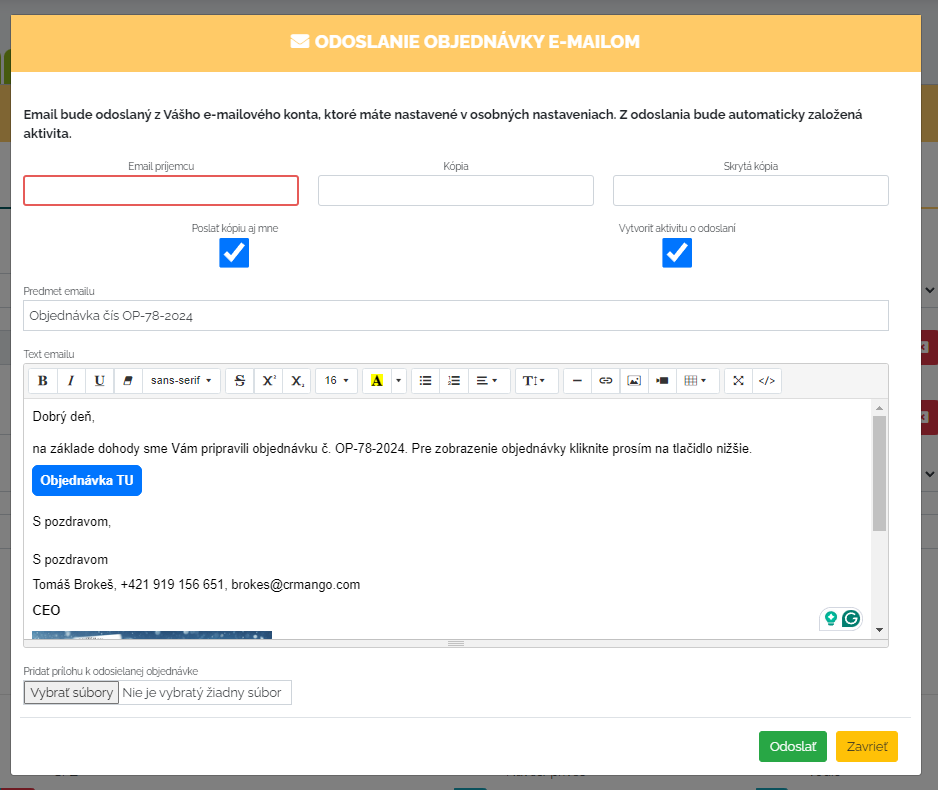

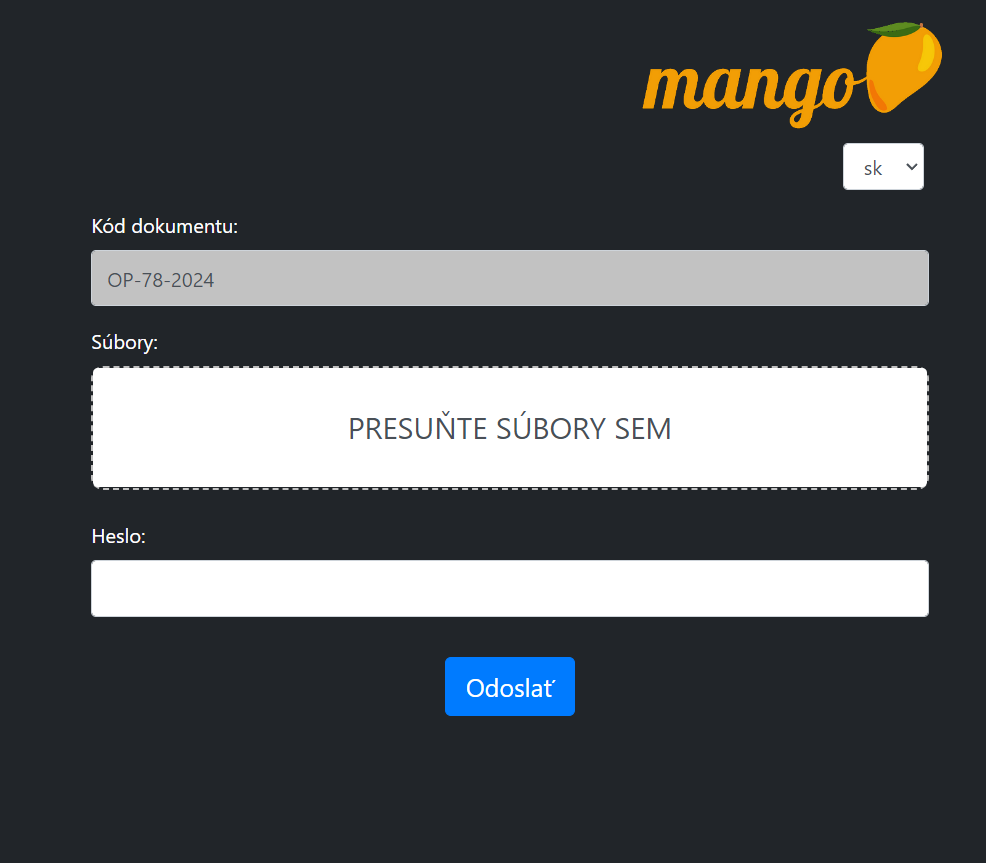
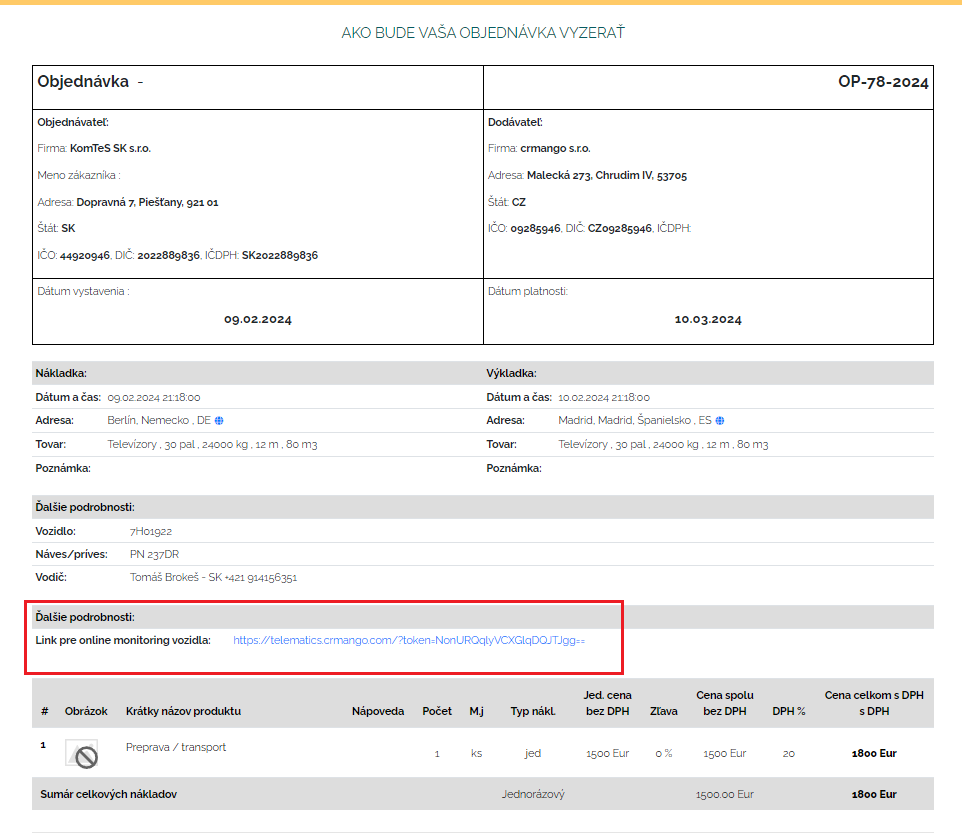
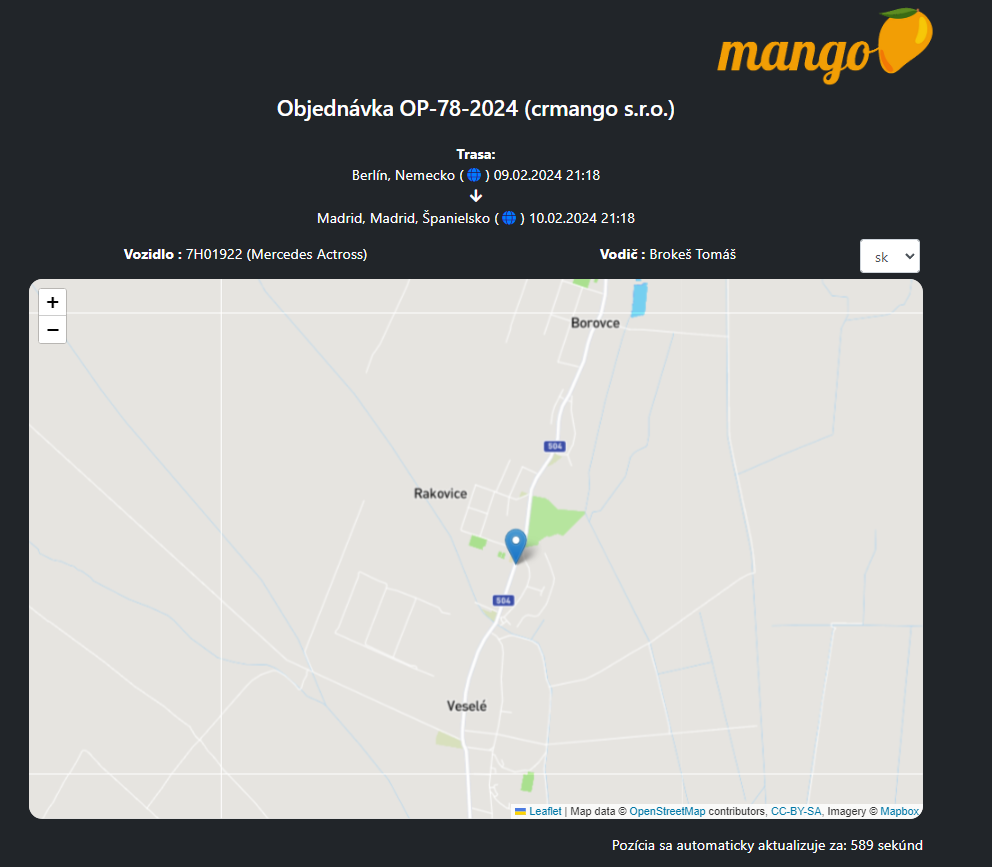
This is what the link that the customer opens when they want to track the shipment looks like.
Vehicle occupancy control
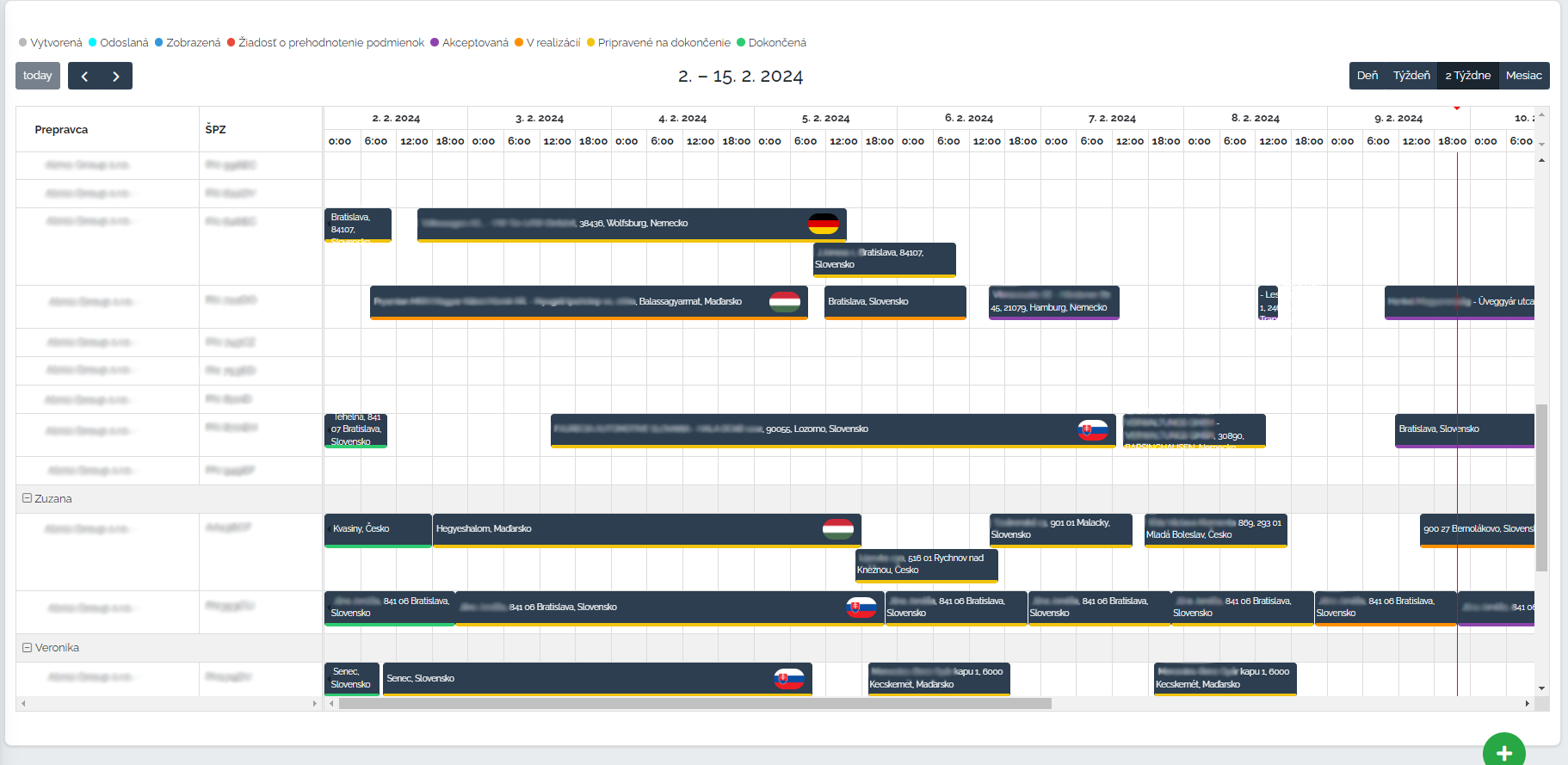
All orders can also be displayed in a timeline by individual vehicles. This way, the dispatcher has a nice overview of the utilization of vehicles, not only ours but also the forwarding ones. Within this display, we can also divide the vehicles according to individual dispatchers. This sheet works on the principle drag and drop so orders can be swapped between individual vehicles by simply dragging and dropping the order. You can also attach unassigned orders to the canvas, which we will pin to the specific vehicle you need within the canvas.
Order invoicing
So the transports are planned, the vehicles are efficiently utilized, the drivers have received their routes and set off on their deliveries, and now you're wondering what about invoicing? Do you have to rewrite everything into the invoicing system again? The answer is that you don't have to. We thought of that too, and all orders can be conveniently invoiced directly in CRM Mango. Click on the link below to learn more.
Reporting
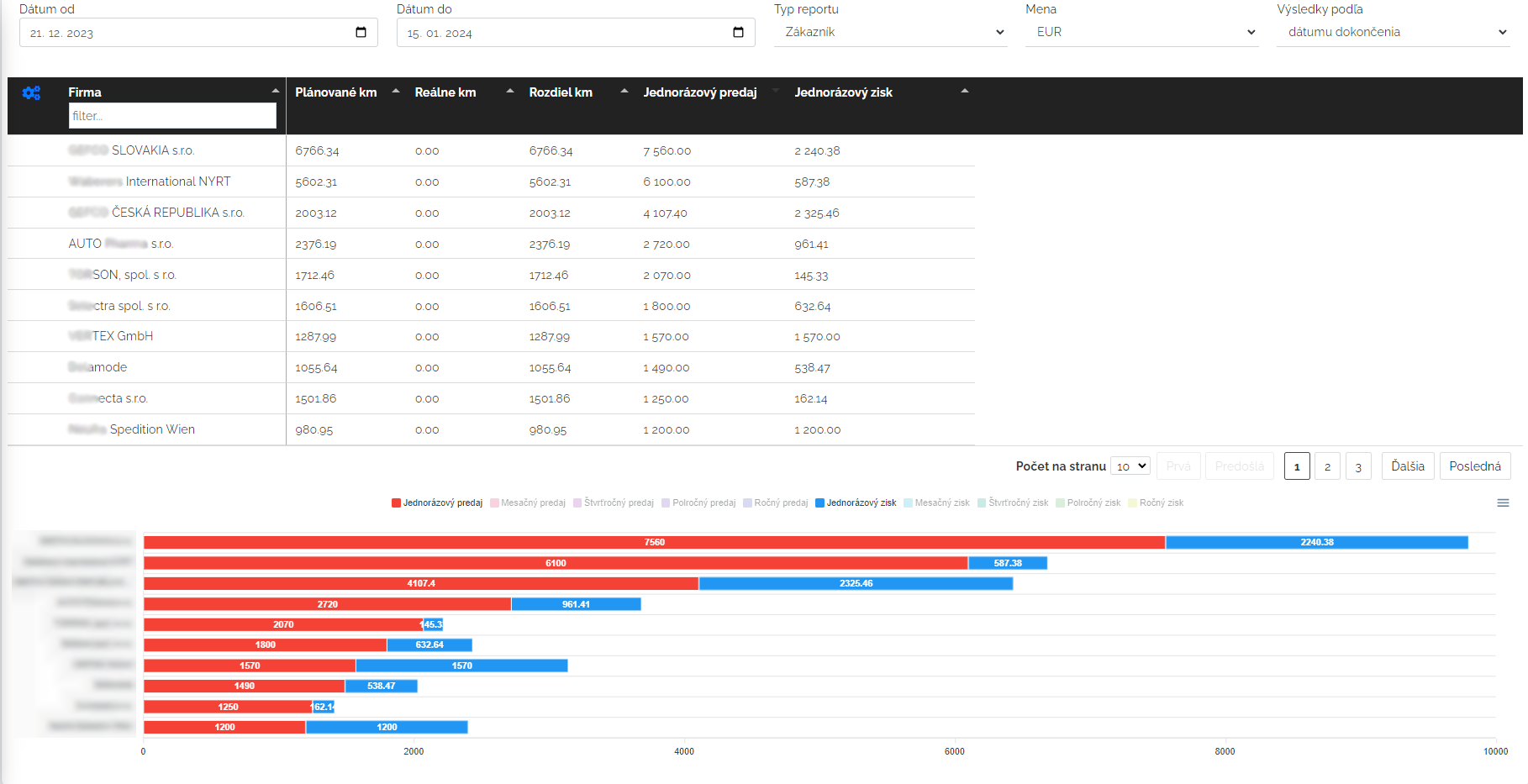
To be successful as a transport/freight company, we also need to have an overall overview of which customer is the most profitable for you, or where the weak points are, with which customers you have extra kilometers. That's why Mango has prepared a report for you. You can switch this report from displaying the customer to displaying it by vehicles, dispatchers or carriers. What parameters you choose is up to you.
Looking for a new job
From the collected data of transport orders, you gain new possibilities to find work for your vehicles. If you have a location where you would need to find work, you can search in the customer directory for all the companies for which you have loaded or unloaded in that location and after filtering the companies, you can send them a mass e-mail stating that you have a vehicle/vehicles available in that location.
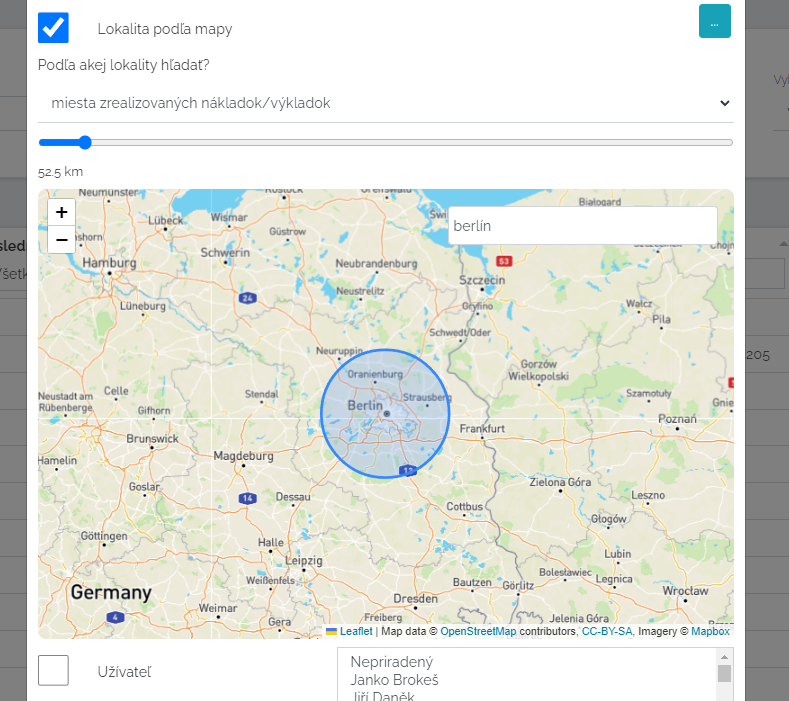
If you want to know how to send bulk emails, please click the link below.
Directory
Finally, we would like to describe some of the basic functions of Mango, which can also help you in your work. To begin with, we would like to describe the basic sections, such as the directory. In this section, the transport company can fill in its customer list. It doesn't matter whether it is a small or large company, whether it is a sole proprietorship or a sole proprietorship. Mango is connected to the business register, so after entering the company ID, it will fill in the initial fields for us and we don't have to fill everything in manually. In addition to the basic data, I can also create my own columns in the directory. These can be any, depending on what we need to collect from the companies, what data. For transporters, it is interesting to have the following data recorded.
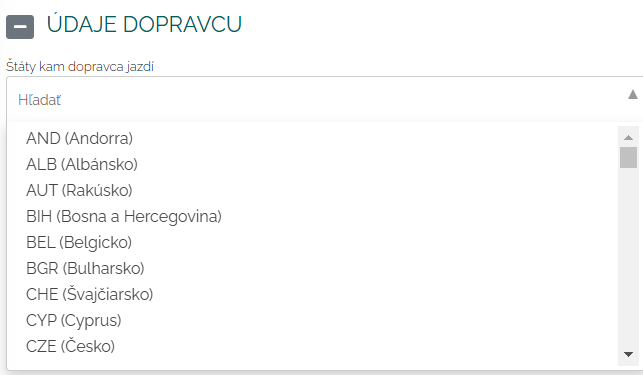
We can fill in the address book with our shipping partners and their associated centers. For example, we can record the countries they ship to.
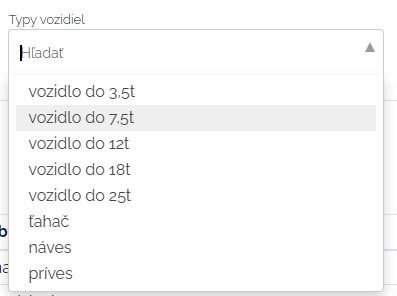
We can also register the type of carrier's vehicles in the directory.
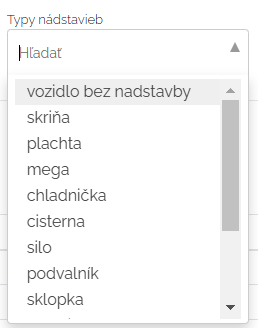
We can also record the type of superstructures.
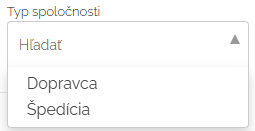
And last but not least, the type of company.
Let's take an example of how this data entry can be effective. I need to transport refrigerated goods from point A to point B. This way I can filter out all shipping partners that have a Frigo semi-trailer. Mango filters out a list of all companies according to the selected parameters and I choose the carrier I need.
Activities
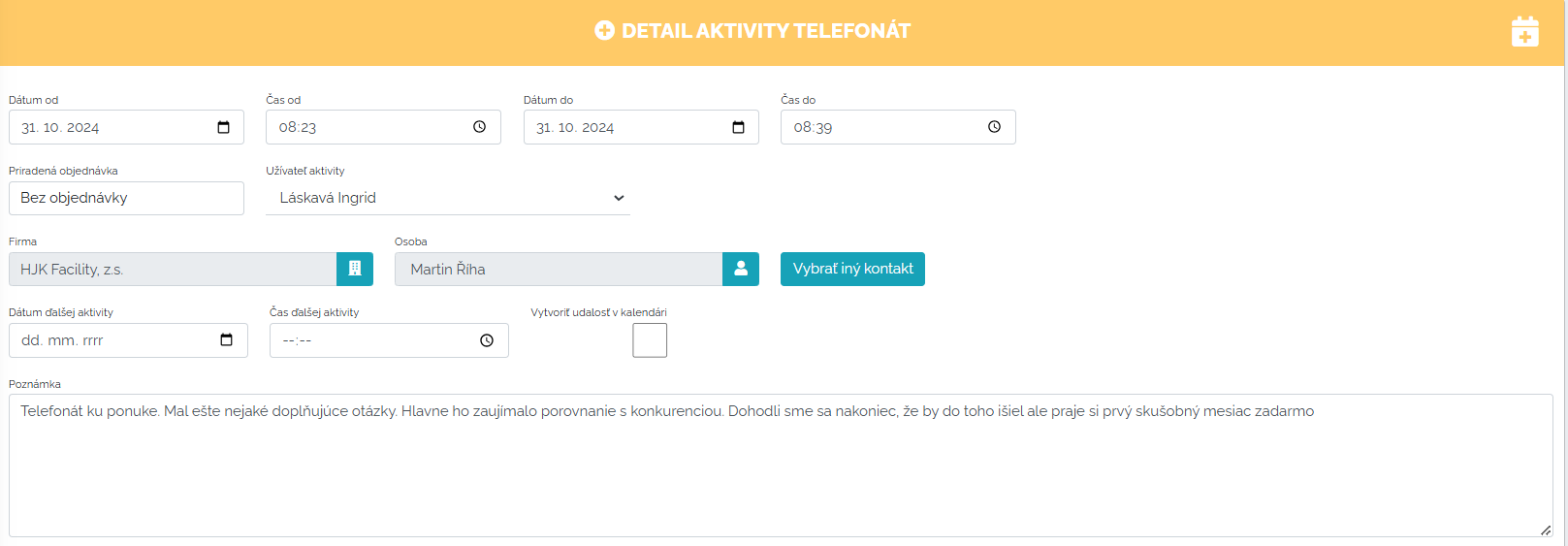
Another area of Manga is the activities section. In it, the user records everything they did during the day at work. Some activities in Manga are automatic, such as phone calls and emails - if they are connected to Mango. After they are connected, data in the form of activities is automatically pulled into Manga, but they are of course subject to verification by the user. The user can also set automatic verification, it is up to each person to decide how to proceed. All information that the user enters into activities can be reminded by the date of the next contact. Mango will send a notification on the selected day with a description of the activity. This way, you will never forget anything. You can create activities of the most diverse types. You can match all activities to companies and thus create your own client cards with the entire history of what, where, when you did with this client, how you proceeded. You can find everything in one place.
On this page, we wanted to show you how Mango can help in the world of transport. Effective transport planning is very challenging and Mango is a handy helper on how to do it faster, more efficiently and, most importantly, with profit for the company. If anything is unclear to you or you need advice, please do not hesitate to contact us.