Mango Mobile App is a mobile application for every merchant. It basically has three functions:
- collecting all business calls,
- sending service calls to the main Mango application,
- sync contacts from Mango to your smartphone.
How does it work?
The first step is to download the app from Google Play. The link can be found here:
You will then install the application on your phone. Important note: the application is only available for the Android operating system. After installing the application, you will find your Mango key and login password for the mobile application in the personal settings of CRM Mango. There is also a field for automatic verification.

After installing the application, it is important to set the working hours from - to when the application should record. We can also set whether we want to display private contacts in the list and whether we want to enable notifications.
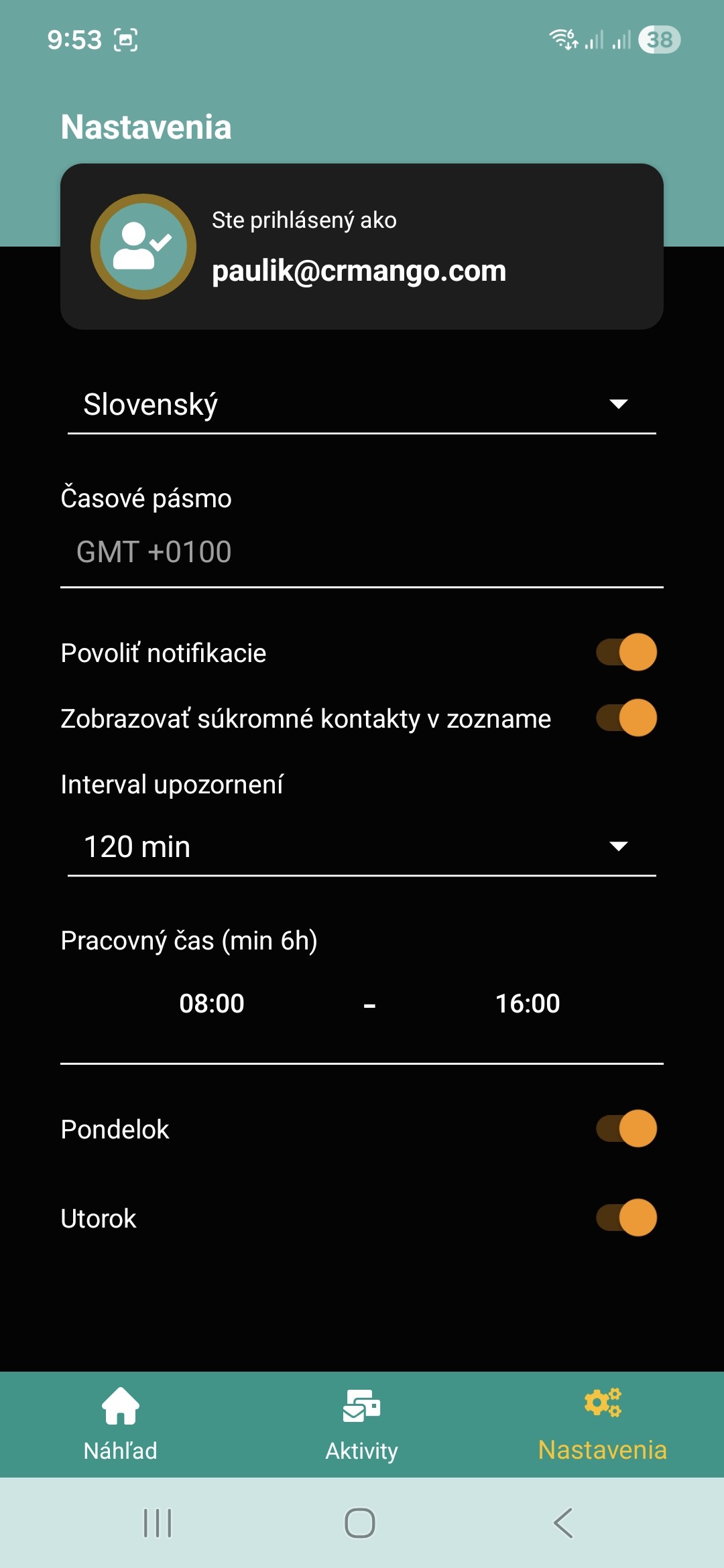
Automatic verification decides whether we want all calls to be sent directly to Mango as verified, if not, they will be waiting for us in Mango and ready for verification. Within the application, we can delete calls on the fly, it depends on you which procedure will be more user-friendly for you.
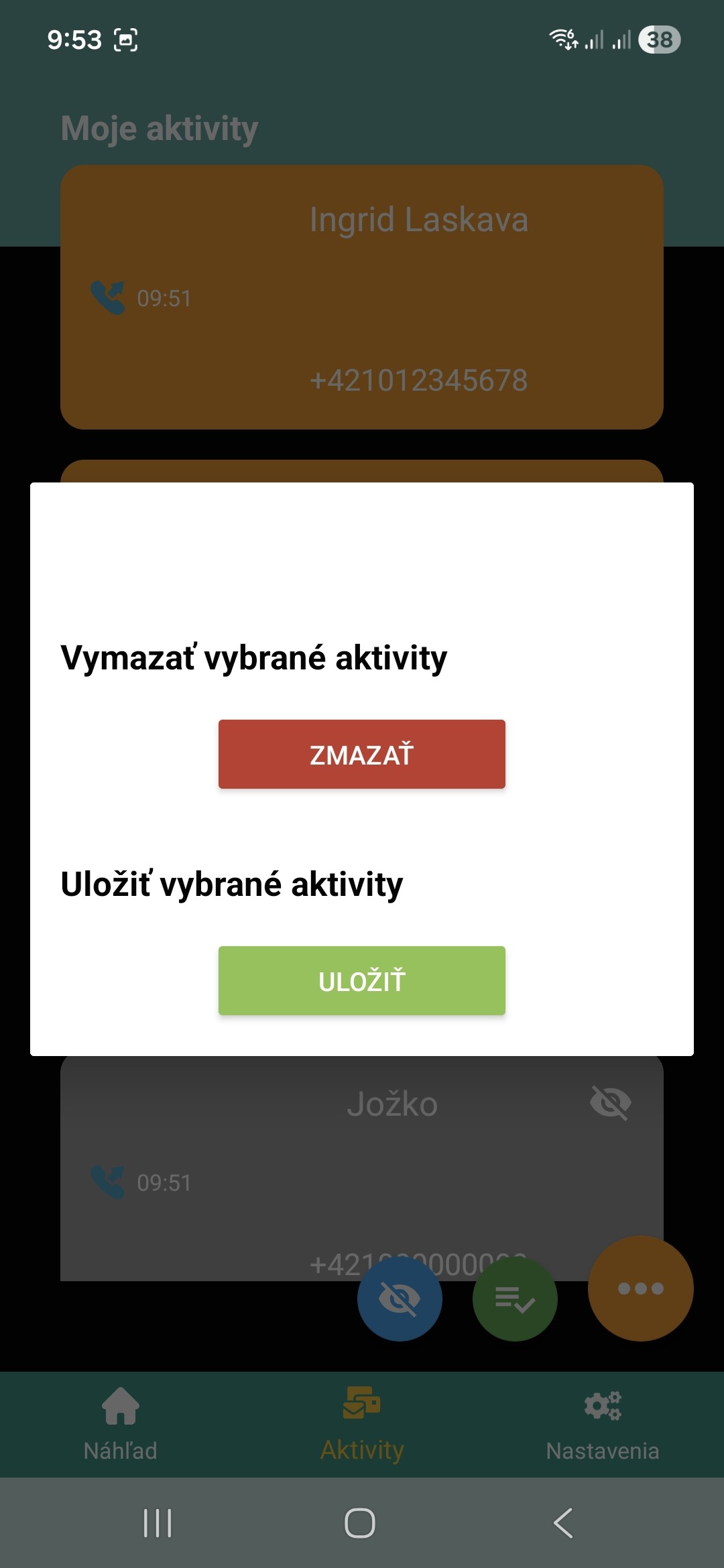
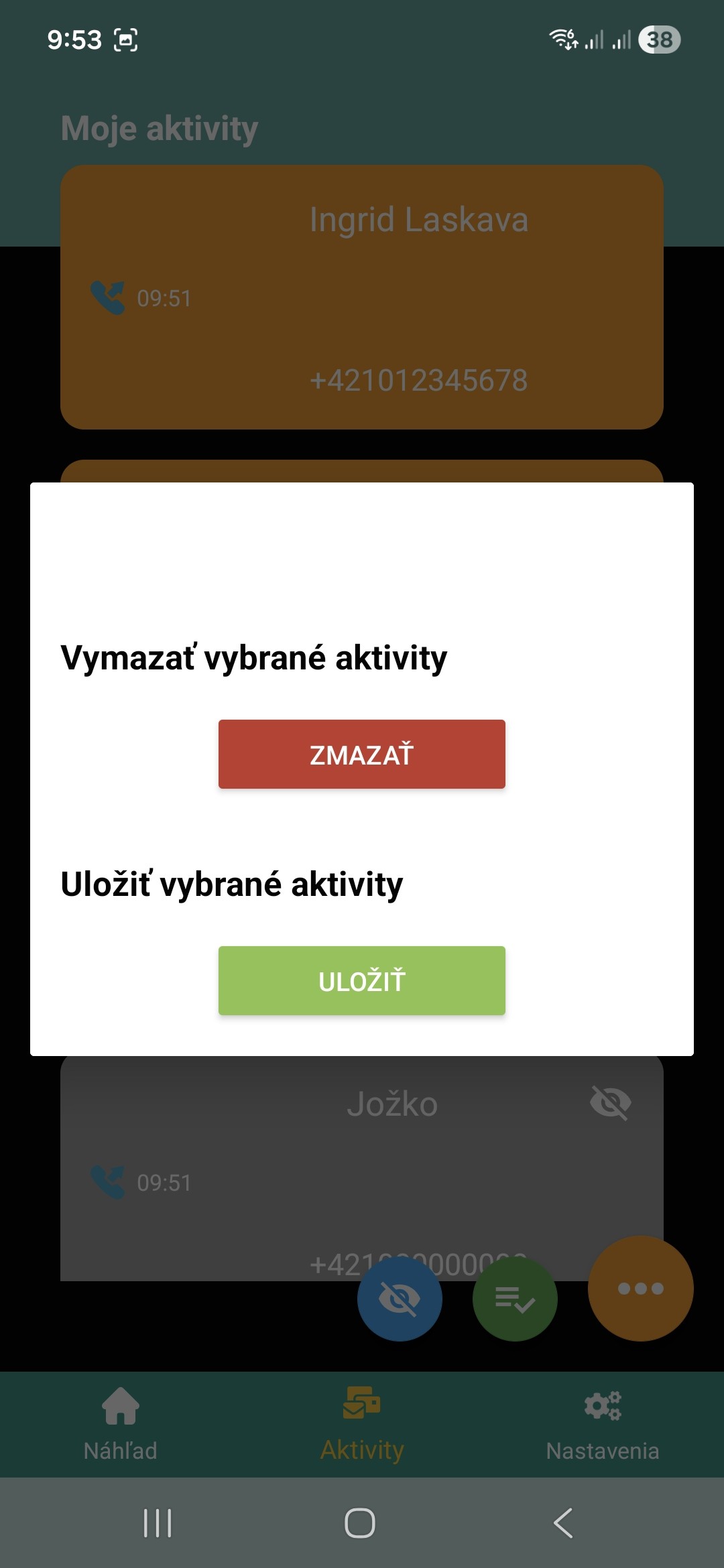
The Mango app records every single call you make (whether its outgoing or incoming).
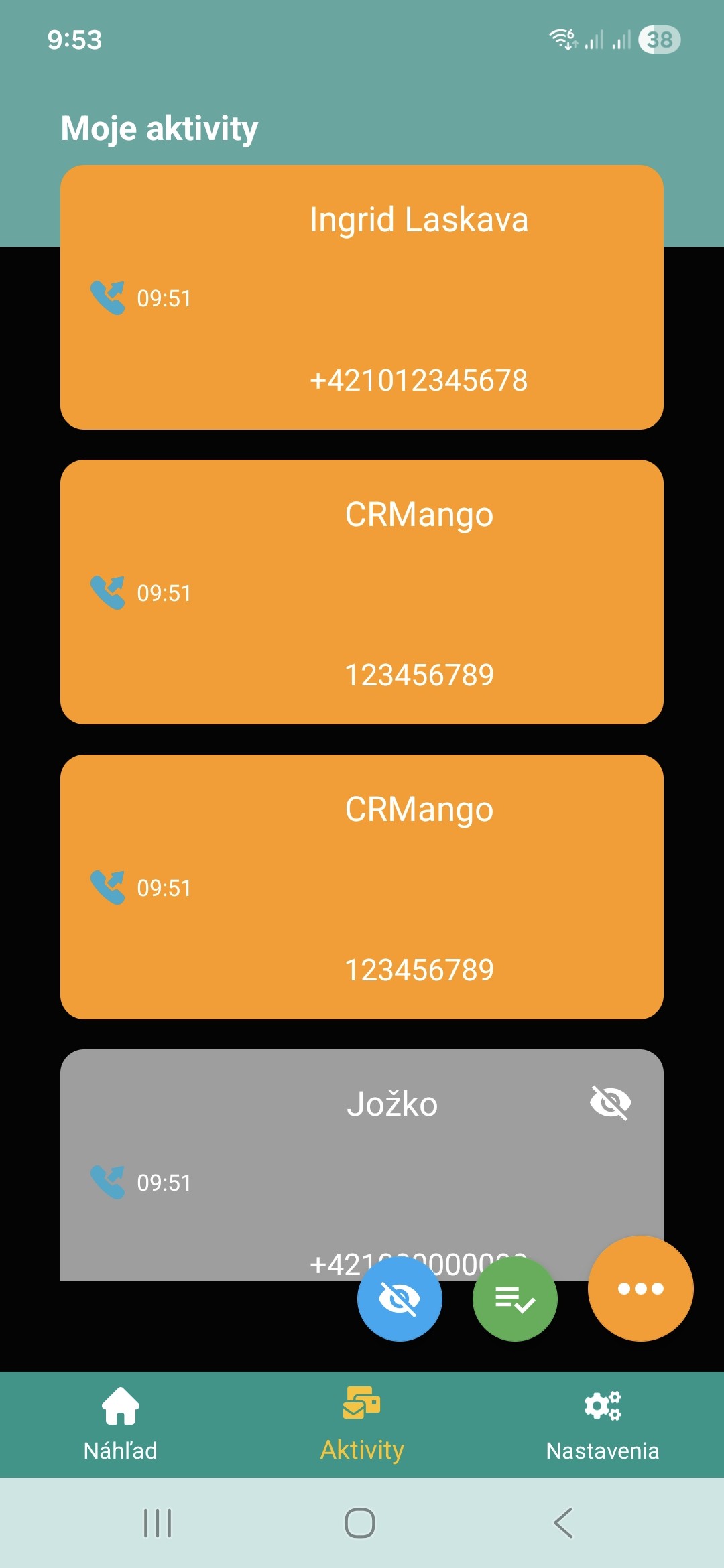
You can also add a note to each phone call, which will then be displayed in Mango under the activity, and you can also add the date of the next activity, where Mango will then inform you on that day that you have saved this activity. You can also mark certain phone numbers as private in the application and the app will no longer work with them and can also hide them from your call log.
An equally important feature that the application has is the synchronization of contacts from Mango to your smartphone. After installing the application, you can choose whether you want to synchronize only your contacts (those where you are marked as a user) or you want to have all your company contacts on your phone (for example, if you are a manager).